Shop Floor Planning Software for Metals Manufacturers
- Ruth Kearney
- Blog , Learning
- April 10, 2026
Table of contents Show Hide
Shop floor planning software tells your production team exactly what to cut, in what order, from which bars. It works in real time, not from a spreadsheet built that morning. For metals manufacturers, it also calculates the minimum-waste cut sequence across all open orders. Manual planning typically wastes 5–8% of material; optimised planning targets ≤2.5%. That gap is worth tens of thousands of pounds a year on a 100-tonne-per-week operation.
GoSmarter is shop floor planning software purpose-built for long-product cutting, live inventory, and order tracking in one connected system.
For metals manufacturers, this matters more than in most industries. You’re not scheduling widgets on an assembly line. You’re planning which specific bars of certified steel to cut, in which sequence, to meet which orders — while minimising waste, maintaining grade traceability, and keeping the saw busy. That is a harder problem than it looks on paper. And it is a problem that generic production planning software almost always handles badly.
What Is Shop Floor Planning Software?
Shop floor planning software manages the daily and shift-level decisions that determine how efficiently your production floor runs. It is distinct from higher-level production planning (capacity planning, order book management) — shop floor planning is about what happens today, on this shift, at this saw.
For a metals service centre or rebar fabricator, shop floor planning software needs to answer three questions:
- What do we need to cut? — which orders are live, confirmed, and ready for production
- What have we got to cut it from? — which stock is available, uncommitted, and certified for each order’s grade requirement
- How do we cut it with the least waste? — what is the optimal combination of bars and cuts to fulfil today’s orders with minimum scrap
Generic enterprise resource planning (ERP) systems can answer question 1. Inventory spreadsheets can approximate question 2. But question 3 — the cutting optimisation — is where manual planning consistently fails. The maths works fine for ten orders. At 80 orders, the number of possible combinations of orders and bars is larger than any person can work through in a morning — that is not a skills gap, it is just arithmetic. An algorithm can evaluate that search space in minutes.
The Problem with Manual Shop Floor Planning
Every morning at a typical service centre, a production manager looks at the order list, looks at the inventory report (hopefully up to date), and builds a cut plan by hand. This process takes anywhere from 30 minutes to half a morning. Then:
- An urgent job comes in after the plan is set. The plan is reworked manually.
- A bar turns out to be allocated to a different job. The plan needs adjustment.
- A customer changes their delivery date. Priority shifts. The plan is redone again.
By the time the saw starts, the plan is already partially outdated. And because it was built manually, it was never truly optimal. A typical manual cut plan leaves 5–8% of material in the skip. The mathematical optimum is ≤2.5%. At 100 tonnes a week, that gap is worth tens of thousands of pounds a year.
Beyond scrap, manual planning has a second failure mode: it does not scale. A planner who manages 50 orders a day with acceptable accuracy will struggle at 80. There is a ceiling, and it is lower than your business needs it to be.
How GoSmarter Works as Shop Floor Planning Software
GoSmarter connects three things that shop floor planning needs but rarely has joined up: live inventory, open orders, and cut plan optimisation.
Step 1: Live inventory
GoSmarter Metals Manager maintains your stock picture in real time. Every delivery, every drawdown, every allocation is recorded as it happens. Your stock view shows what is actually available — not what was available before the morning’s jobs started moving material.
Stock is tracked at the attribute level that matters in metals: grade, size, heat number, and certificate status. An S355 3mm bar and an S275 3mm bar are different items, even if they sit on the same rack. Committed stock is marked as allocated — so the same bar cannot be promised to two jobs.
Step 2: Open orders
Your order queue in GoSmarter shows confirmed jobs, their required lengths, grades, quantities, and delivery dates. Priority orders can be flagged so the cut plan algorithm fulfils them with the best available material first.
When a new urgent order arrives, it goes into the system. When a delivery date changes, the priority shifts. The order queue is always current.
Step 3: AI cut plan generation
GoSmarter Cutting Plans takes your live inventory and your open order queue and generates a mathematically optimised cut plan in minutes. The plan tells your floor team:
- Which bars to use, in which sequence
- What lengths to cut from each bar
- What offcut remains from each bar (and whether it is long enough to track for reuse)
- The predicted scrap percentage for the plan
The plan is exportable as PDF for printing or CSV for feeding into other systems. Your saw operator has a clear instruction sheet. No interpretation required.
Step 4: Adjust and replan
The AI generates the first draft. Your production manager keeps control. Override any cut, change sequencing, exclude bars reserved for other jobs — then hit Replan. The algorithm recalculates in seconds, incorporating the change and producing a fresh optimised plan for the remaining work.
When that urgent job arrives mid-morning, add it to the order queue and replan. The system recalculates only the cuts that have not yet been made, so your floor team’s progress is preserved.
Shop Floor Planning Software vs Production Planning Software: What’s the Difference?
These terms are often used interchangeably, but they describe different levels of planning:
| Level | What it covers | GoSmarter equivalent |
|---|---|---|
| Strategic planning | Capacity, headcount, equipment investment | Not GoSmarter’s focus |
| Production planning | Order book, delivery scheduling, resource allocation | Informed by GoSmarter’s order queue |
| Shop floor planning | Today’s cut sequence, bar-by-bar allocation, saw scheduling | GoSmarter Cutting Plans |
| Shop floor execution | Machine status, operator instructions, quality recording | Partially covered; not a full Manufacturing Execution System (MES) |
GoSmarter sits primarily at the shop floor planning layer. It does not try to replace a full Manufacturing Execution System (MES). It solves the specific planning problem that generic MES handles poorly in metals: long-product cutting optimisation and real-time inventory traceability.
For most steel service centres, rebar manufacturers, and fabricators, that is the layer where the most money is being lost and the most time is being wasted. A fully featured MES can wait until the planning layer is working properly.
What GoSmarter Shop Floor Planning Software Replaces
Spreadsheet cut planning
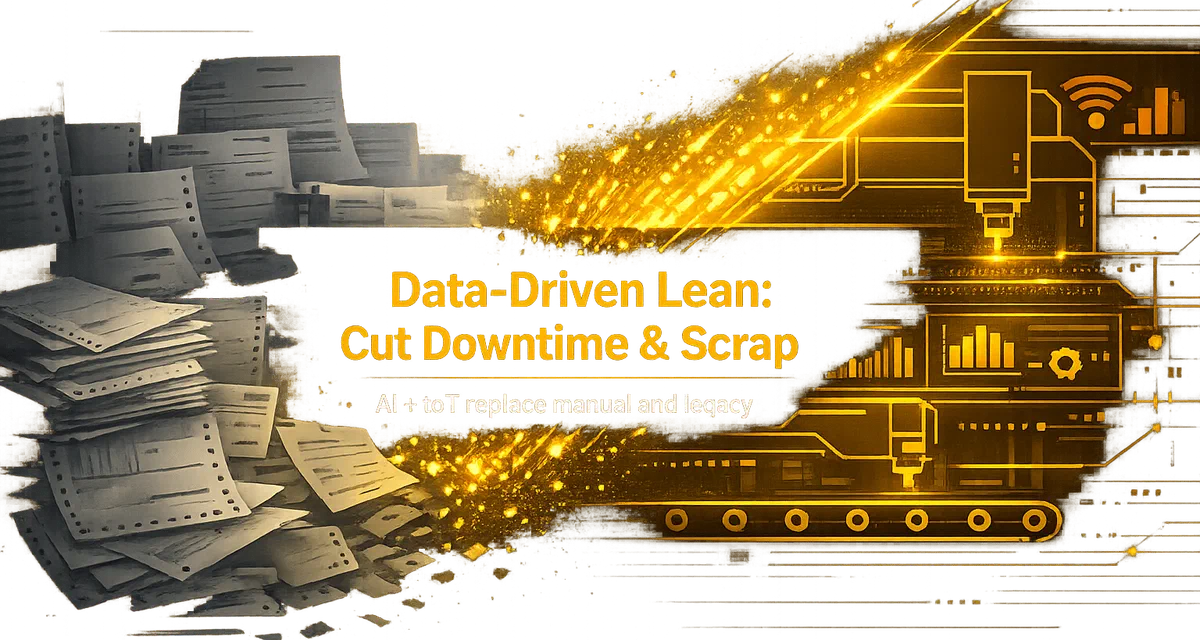
The typical service centre builds cut plans in Excel — manually matching orders against a stock list, calculating cuts by hand, printing a list for the saw operator. This takes hours, produces suboptimal results, and breaks whenever the situation changes.
GoSmarter replaces this with an automated cut plan generated in minutes from live data. The planner reviews rather than builds. Time to plan drops from a morning to a five-minute review.
Walking the floor to count bars
Without live inventory, the stock count is always an approximation. Production managers walk the floor to verify what is actually available before building a plan. That is time that should be spent managing production, not counting bars.
GoSmarter Metals Manager eliminates floor walks for stock counting. The system holds an accurate, real-time view of every item in every location — including which material is committed, in transit, or available to cut.
Email and WhatsApp coordination between office and floor
Without shop floor planning software, the gap between the office (where plans are made) and the floor (where they are executed) is typically bridged by printouts, WhatsApp messages, and verbal handoffs. When the plan changes — and it always changes — the communication chain breaks.
GoSmarter puts the current plan in a format the floor team can access and work from directly. When the plan updates, the floor team can pull the current version. There is one version of truth.
Scrap and Yield: The Business Case for Better Shop Floor Planning
The financial case for shop floor planning software comes down to one number: your scrap rate.
At 5% scrap on 100 tonnes per week, you are putting 5 tonnes per week into the skip at 40p in the pound. That is material you paid £400–£600 per tonne for, returning £160–£240 per tonne as scrap. The weekly loss on that gap: roughly £1,200–£2,400.
GoSmarter’s cut plan optimisation targets ≤2.5% scrap. In a two-week production trial with Midland Steel across 734 tonnes, GoSmarter achieved a 50% reduction in scrap rate — from approximately 5% to 2.5% — versus manual planning. For Midland Steel’s production volume, that improvement represents tens of thousands of pounds in annual gross margin.
Beyond scrap, better shop floor planning also means fewer last-minute allocation clashes — the kind that push jobs past their delivery window. On-Time In Full (OTIF) performance improves because the question “have we got the right material confirmed for this order?” has an accurate answer every time, not just when someone has walked the yard recently.
Not sure what the saving looks like for your operation? Run the Business Case Calculator → — no account required.
Read the Midland Steel case study for the full detail.
Getting Started with GoSmarter
GoSmarter deploys in days, not months. You do not need an IT project, a consultant, or a multi-month implementation timeline. Most metals businesses have their first cut plan running within 24 hours of signing up.
If it does not improve your planning process within the 14-day trial, cancel — no charge, no questions. We are confident enough in the results to say that because every trial is guided: our implementation team works with you on real data, not a sandbox demo.
Step 1: Start a free trial — no credit card, full access for 14 days.
Step 2: Upload your stock (Excel or CSV). Our implementation team will walk you through the format on a call if you need it.
Step 3: Add your open orders. Run your first cut plan. See the scrap savings on a real job.
Step 4: If you want to connect to your ERP or job-management system, we scope that during the trial — not after you have committed to a paid plan.
Frequently Asked Questions
Is GoSmarter shop floor planning software or production planning software?
Does GoSmarter replace a full MES?
How quickly can my team start using GoSmarter?
Does GoSmarter shop floor planning software work alongside our existing ERP?
Which production scheduling tools work well for saw lines and cutting operations?
What software can help small metals shops move away from whiteboards and clipboards for scheduling?
Go deeper
- Cutting Plans: AI Cut List Software — the GoSmarter product that generates your daily cut plans
- Metals Manager: Steel Inventory Software — real-time stock tracking, grade-level, heat number, certificate-linked
- Spreadsheet-to-System Planning — how to move from Excel-based planning to a connected live system
- Scrap, Waste & Yield Optimisation — what scrap rate means, how to measure it, and how to reduce it
- Production Planning Solutions — how GoSmarter fits into your broader production workflow
- Midland Steel Case Study — 50% scrap reduction in a two-week production trial
About the Author

Co-Founder & CEO
Ruth Kearney is Co-Founder and CEO of GoSmarter AI — driving commercial growth and strategic partnerships to help metals manufacturers adopt AI and digital tools that actually deliver on the shop floor.